




The Ultimate Guide to Choosing Your First Mac in 2026
By Ramzan "Ray" Harji, Certified Apple Refurbisher · MacPro-LA, Hollywood · 15 years & 100,000+ Macs sold · Updated June 2026
Quick answer
From MacPro-LA — LA's highest-rated Apple reseller. 15 years in Hollywood, 3,500+ reviews, Certified Apple Refurbisher. Honest, real-world guidance from a team that inspects every device in person. Read on for what we've learned and how to apply it.
Switching to Mac? Here's Everything You Need to Know
Whether you're a lifelong Windows user making the switch or a first-time computer buyer, choosing the right Mac can feel overwhelming. I'm Ray Harji, founder of MacPro-LA, and after 15+ years helping thousands of customers find their perfect Mac, here's my honest guide to picking the right one in 2026.
Step 1: What Will You Use It For?
Everyday tasks (email, browsing, streaming): A MacBook Air is your best bet. Lightweight, fanless, and with all-day battery life, it handles daily computing effortlessly.
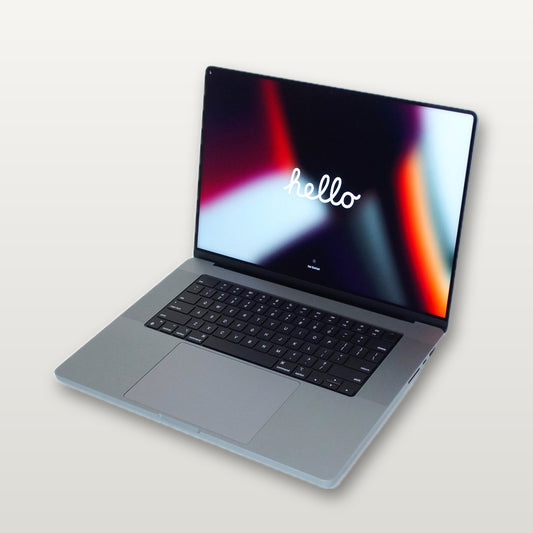
Creative work (photo/video editing, design): Go with a MacBook Pro or iMac. The extra power and display quality make a real difference for creatives.
Professional video/3D/music production: Consider a Mac Studio or Mac Pro. These are workstation-class machines built for heavy lifting.
Home office or family computer: An iMac or Mac Mini with an external display gives you the best value for a desktop setup.
Step 2: Laptop vs Desktop
If you need portability, the MacBook Air and MacBook Pro lines are your go-to. If your Mac will live on a desk, desktops like the iMac, Mac Mini, Mac Studio, or Mac Pro deliver more power per dollar.
Step 3: New vs Refurbished
Here's where most people leave money on the table. A certified refurbished Mac from MacPro-LA costs 30–50% less than new and comes with our 35-point inspection guarantee. We check for MDM locks, iCloud status, battery health, and cosmetic condition — so you get a machine that looks and works like new.
Step 4: How Much Should You Spend?
Under $500: Great refurbished MacBook Airs and Mac Minis for students and casual users.
$500–$1,000: Solid MacBook Pros and iMacs for professionals and creatives.
$1,000+: High-end MacBook Pros, Mac Studios, and Mac Pros for power users.
Need Help Deciding?
Browse our full collection of certified refurbished Macs or call us at 323-378-5603. We'll help you find exactly what you need at a price that makes sense.
